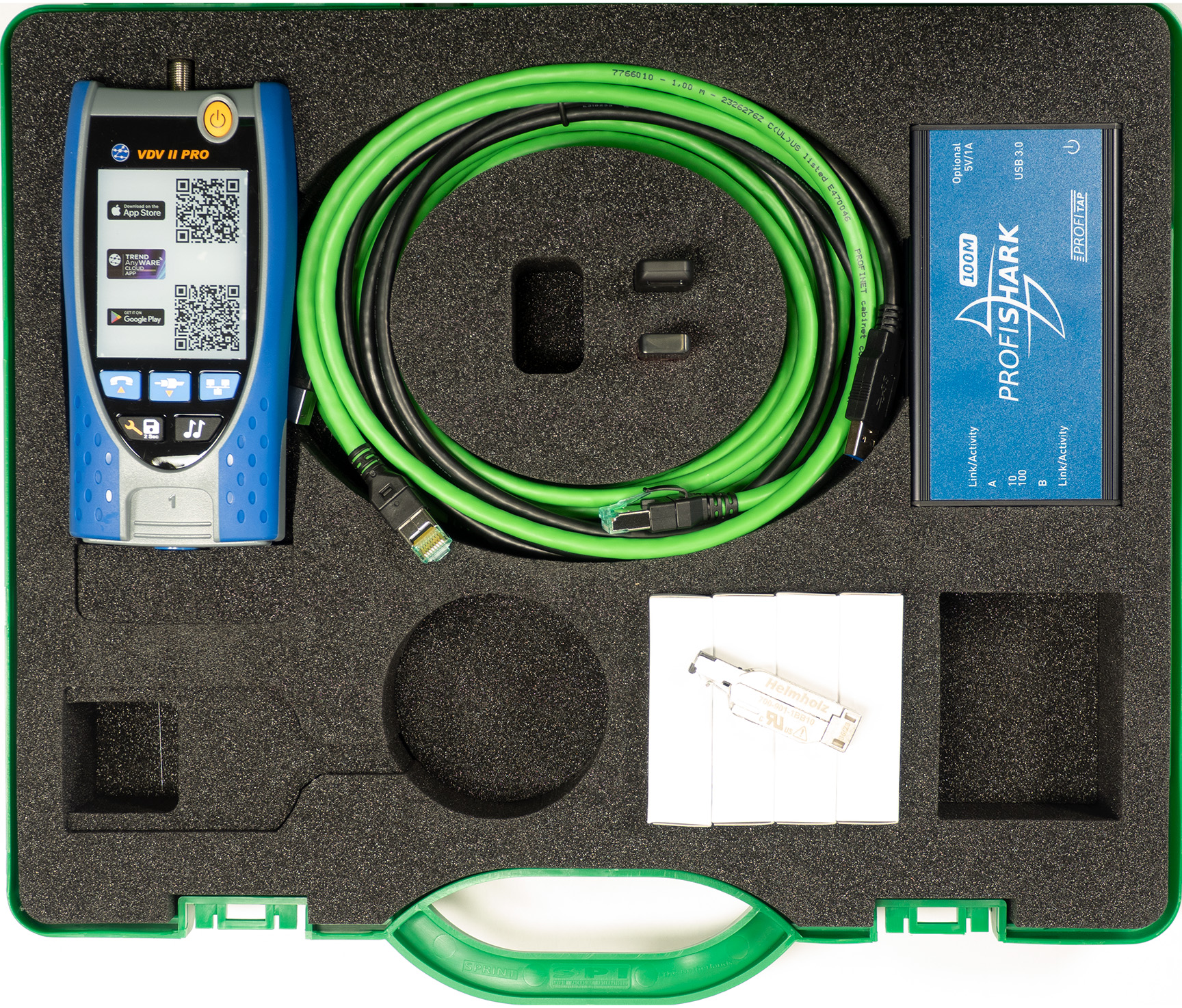
PROFINET TEST TOOL PRO
From €3.490,00
PROFINET is an industrial Ethernet network standard that is used in a variety of industries, including manufacturing, automation, and process control. The PROFINET Test Tool (PNT-Tool) is a specialized software only tool that is designed to test the performance and functionality of PROFINET networks and devices.
The PROFINET Test Tool is a must-have for any professional working with PROFINET networks.
This powerful tool allows you to quickly and easily test the performance and functionality of your PROFINET devices, ensuring that your network is running smoothly and efficiently.
With the PROFINET Test Tool, you can easily diagnose and troubleshoot any issues that may arise, ensuring that your network is always running at its best.
One of the standout features of the PROFINET Test Tool is its user-friendly interface. Whether you’re a seasoned pro or new to PROFINET networks, you’ll find the tool easy to use and navigate. The tool also comes with comprehensive wizards, providing you with all the information you need to get the most out of your testing.
In addition to its powerful testing capabilities, the PROFINET Test Tool also offers a range of other useful features. For example, you can use the tool to monitor your network in real-time, giving you a clear picture of its performance and allowing you to identify any issues before they become a problem. A report is provided to assess the conformity of your network according to the guidelines of the PROFIBUS & PROFINET International consortium (PI).
Overall, the PROFINET Test Tool from Helmholz is an essential tool for anyone working with PROFINET networks. Whether you’re looking to optimize your network’s performance, troubleshoot issues, or simply ensure that everything is running smoothly, the PROFINET Test Tool has you covered.
- Detailed information on all devices (model and serial number, PROFINET diagnostics, cycle time and missing devices)
- Easy detection of bad cables/interfaces
- Identify critical links with too much traffic
- View the network topology (interactive graphic or tabular views)
- Evaluate the impact of the multicast and broadcast traffic on the network
- View diagnostic messages and events launched by the PROFINET devices
- Save in a log file the diagnostic events such alarms and loss of devices
- Record network traffic (PROFINET and other) on the link
- Calculate the actual update times and jitter
- Automatically analyze the network with wizard functionality
- Compare the last analysis with previously analysis
- Printing reports according to the guidelines of PI.
- NEW: Acyclic communication with PROFINET-devices
- NEW: support for APL
| Size of networks | Analysis of PROFINET networks of any size |
| Maximum number of devices that can be analyzed with a single acquisition | 2500 devices |
| Supported operating systems | Windows XP with Microsoft .NET Framework 4.0, Windows 7, Windows 8, Windows 8.1, Windows 10, Windows 11 |
| Minimum requirements | PC with Windows XP and 1 GB RAM |
| Network TAP (Test Access Point) supported (optional) | ProfiTap, ProfiShark 100 M, ProfiShark 1G, Kunbus TAP |
| Updates | Free upgrade for 2 years, including new versions |
Description |
Order number |
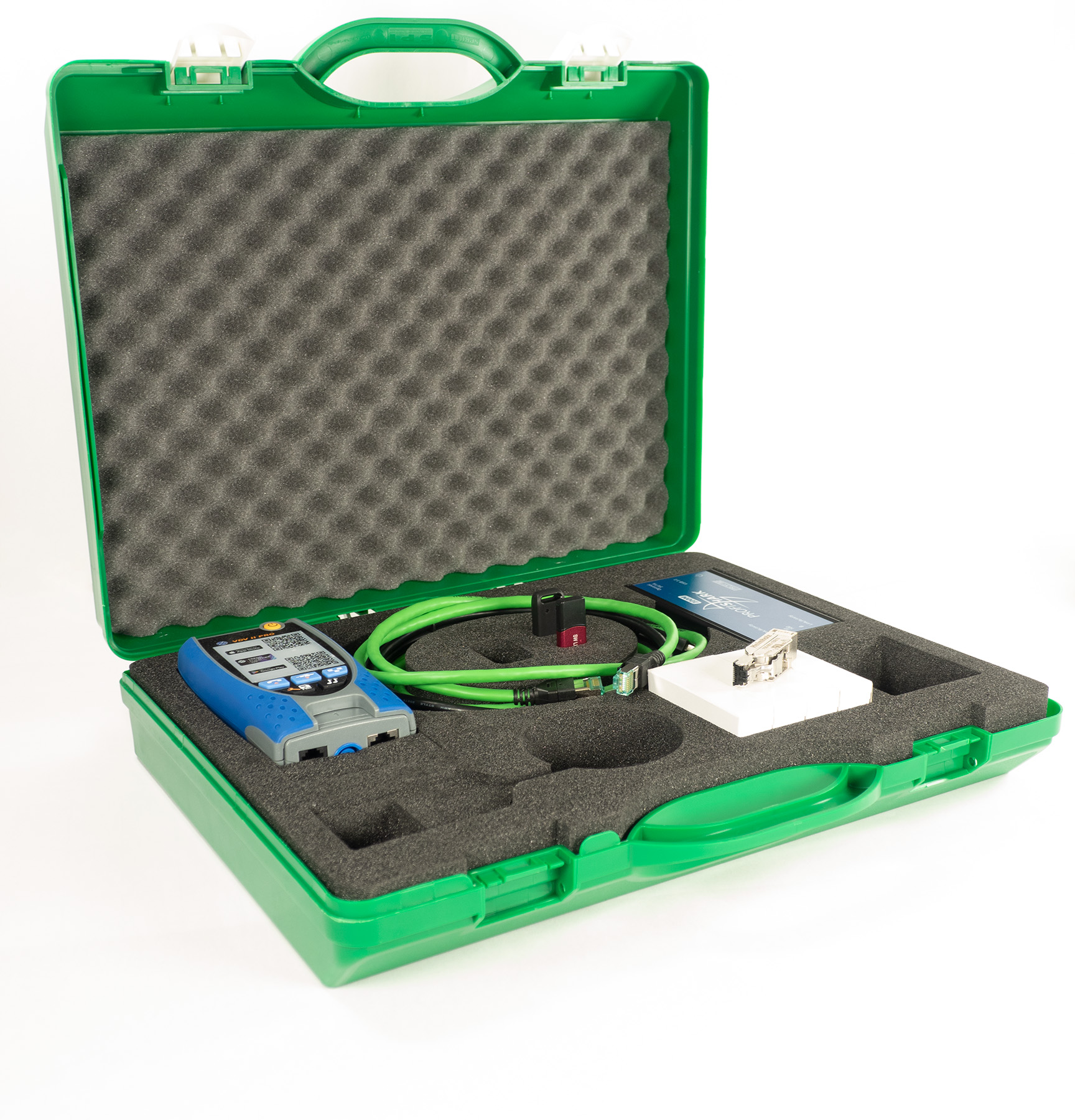
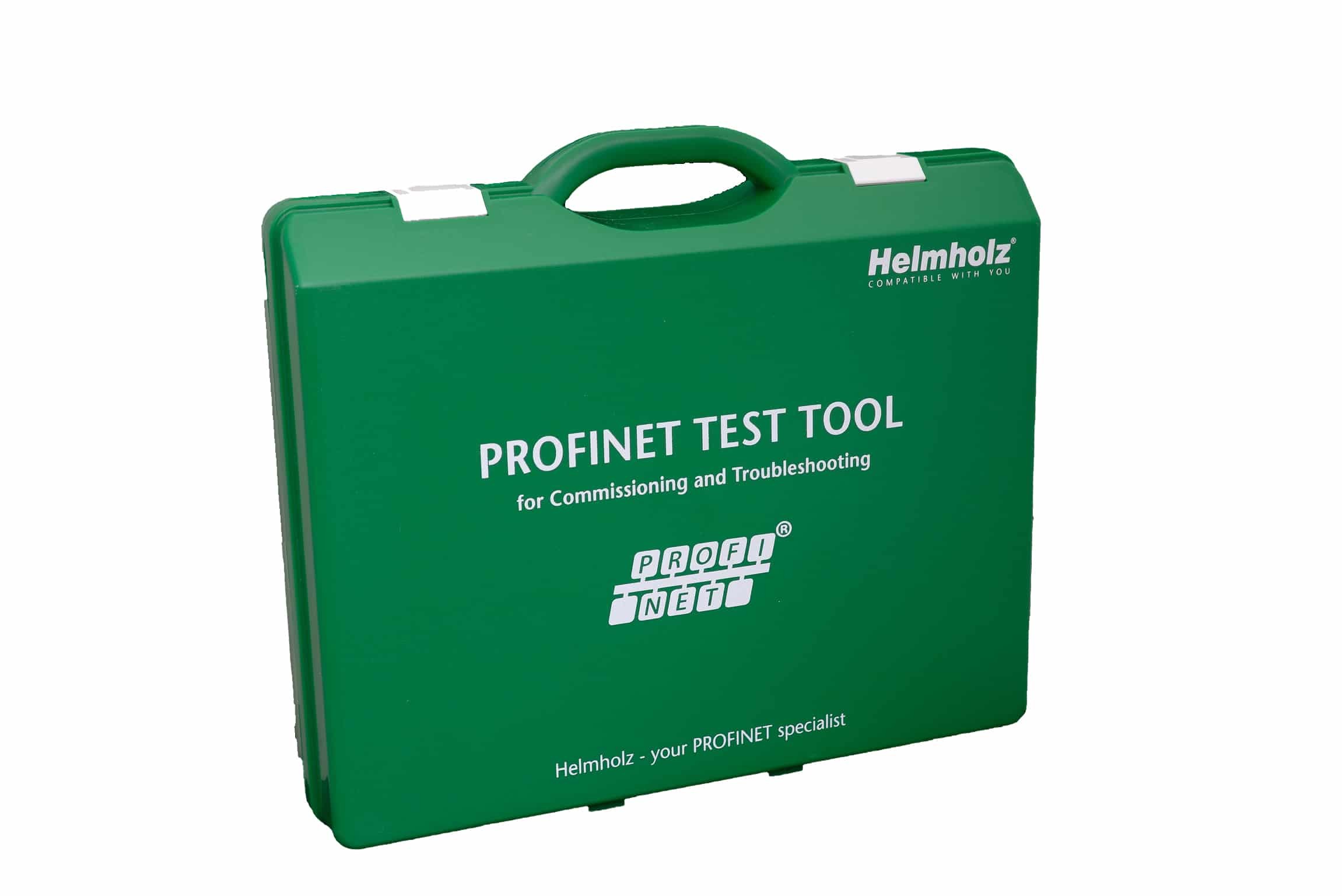
| PNT Pro in case | 4210-0101 |
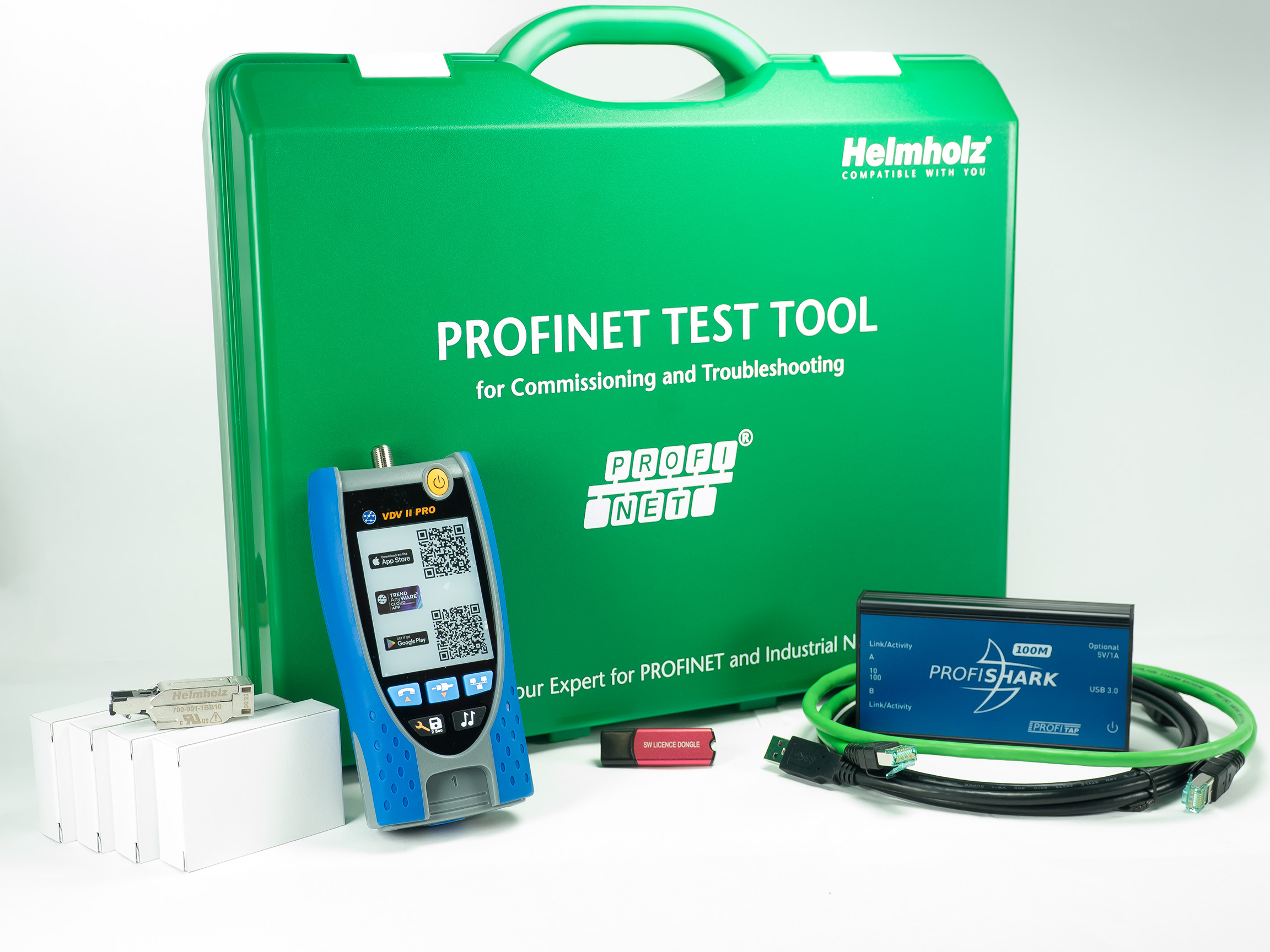
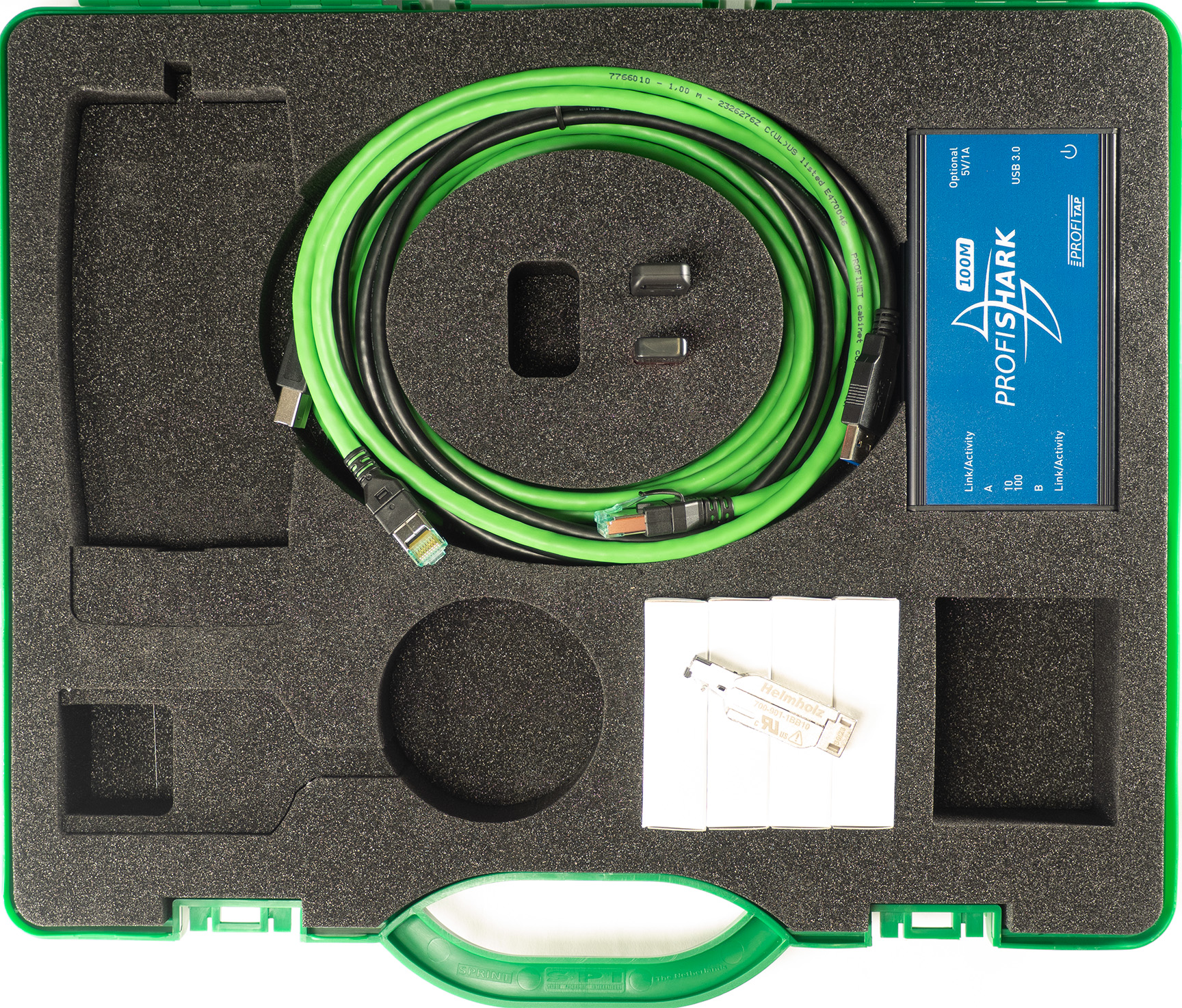
| PNT Pro inclusive Ethernet TAP in case | 4210-0111 |
| PROFINET Tool - Overview | Versie: 2.0 |
| Installation manual | Versie: V2022_01 |
| PROFINET TEST TOOL - Manual | Versie: V4.0.0 |
Frequently Asked Questions
Yes, the PROFINET TEST TOOL PRO (PNT-Pro) is a software-only analysis tool. It allows engineers to test, diagnose, and validate PROFINET Industrial Ethernet networks directly from a standard Windows PC or laptop, eliminating the need for specialized external diagnostic hardware.
Users can automatically generate official network validation reports with the built-in wizards in the PROFINET TEST TOOL PRO, assessing industrial network quality to meet PROFIBUS & PROFINET International (PI) guidelines.
No, the PROFINET TEST TOOL PRO is a software-only solution, but its hardware deployment depends on the measurement method. Active measurements can be performed without specialized hardware by connecting a laptop directly to an available free port in the network. Passive measurements require a standard Test Access Point (TAP IE) or a configured switch port mirror to capture traffic data without causing network downtime. Additionally, the optional ProfiShark can be used during passive measurements to capture traffic data with highly accurate nanosecond timestamps.
The PROFINET TOOL PRO is designed for mobile troubleshooting and commissioning, providing highly detailed expert information for in-depth network analysis. In contrast, the PROFINET TOOL Online is built for permanent monitoring and is installed continuously in the network line. It logs traffic constantly, generates automatic alarms when issues occur, allows users to read out data via a web interface, and can forward diagnostics to IoT environments using protocols like MQTT.
No, a ProfiShark 100M TAP is not mandatory, but it is highly recommended for advanced passive analysis. While you can perform basic active measurements via a free switch port, or passive measurements using a standard TAP or mirror port, the ProfiShark 100M provides a non-intrusive connection that captures all network traffic without dropping packets. It also adds ultra-precise nanosecond timestamps to the captured frames, which is essential for diagnosing complex jitter and timing issues in critical PROFINET networks.